
Synchronising accounts from Excel files
An automated process creates, updates or deactivates accounts across several databases and reports exactly what changed.
- My role
- Independent design and development of the batch process
- Period
- 2021–2023
Context and objective
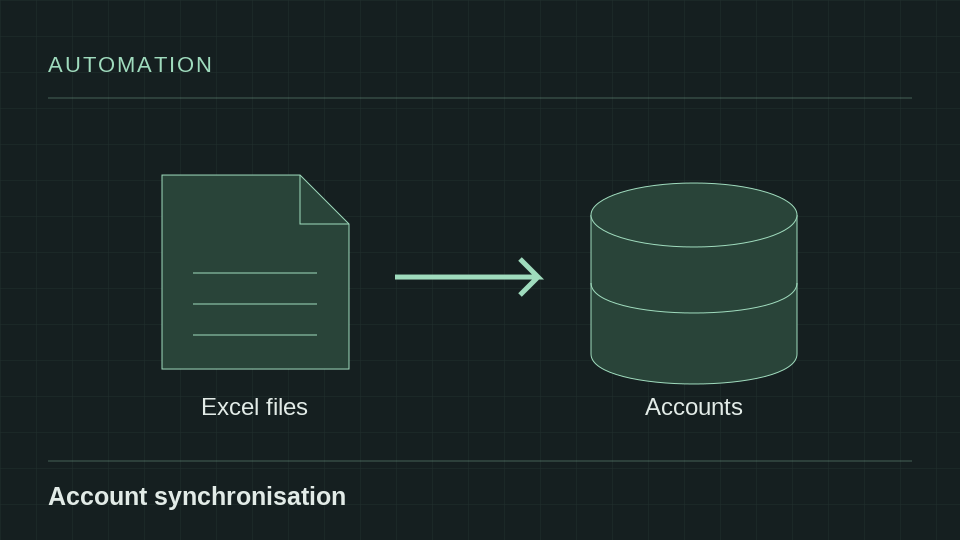
Several organisations used the same business application. I built a synchronisation process that takes their reference spreadsheets as input and gives the people responsible for the accounts a report they can check.
Changes in reference spreadsheets needed to reach several databases. Accounts could remain out of date or no longer reflect a user’s circumstances.
Apply account changes across databases and give business owners a traceable record of what changed.
My contribution
I designed and built the batch process independently, covering target database selection, the account lifecycle, file archiving and reporting.
The solution
The process reads reference spreadsheets, applies the required account changes, archives processed files and emails a detailed summary.
- Excel file import
- Account creation and updates
- Account deactivation
- Processed file archive
- Before-and-after reporting
Processing flow
- Read the reference spreadsheets
- Apply account changes
- Send a report of what changed
Outcome
Automated updates with a usable change history
Account updates became automated, with a history that business owners can use to check the changes.
Technical details
- C#
- Excel
- SQL Server
- DNN
- Automated email
Technical choices
A C# batch process with SQL Server in a DNN environment. It selects the target database, creates, updates or deactivates accounts, archives files and produces a before-and-after report.
Key challenge
Handle personal information, several target databases and professional access rights while preserving a verifiable record of changes.
Completed during a work-study placement. Organisations, data and internal rules have been anonymised.
Your project
Could this help your business?
Tell me what you want to build or improve.