
Excel tools for labelling and quality checks
Two Excel tools help three stores prepare labels and record quality checks in a common format.
- My role
- Independent analysis, design and handover
- Period
- 2019–2020
Context and objective
During an internship, staff at a three-store retailer brought me two operational problems. I designed and delivered separate tools for labelling and quality tracking, with particular attention to how store teams would use them.
Staff at three stores repeated the same labelling and quality tracking tasks. They needed to keep using the software already available.
Make both tasks easier to carry out consistently with files that store teams can use directly.
My contribution
I gathered requirements, built two workbooks, structured data entry and showed store staff how to use them.
The solution
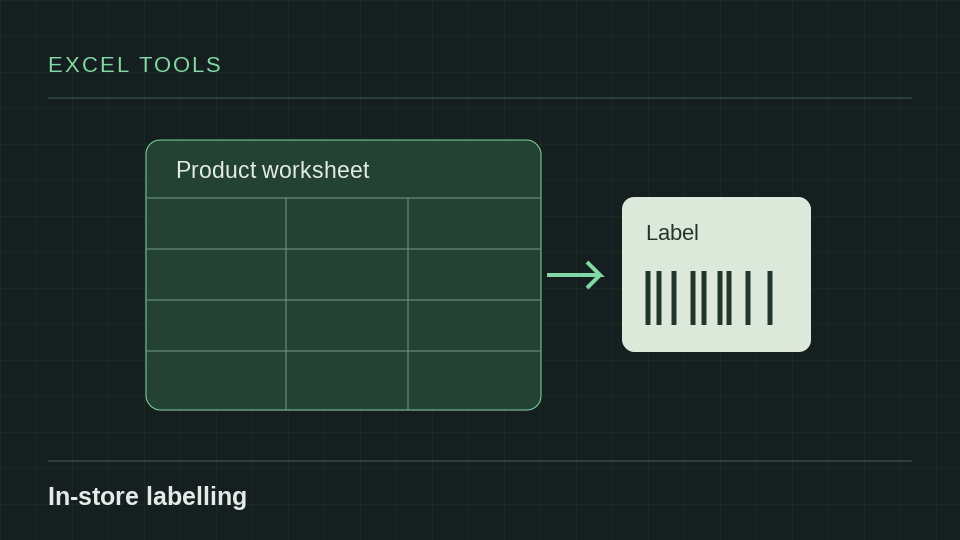
One workbook turns product information into standard labels ready to print. The other gives all three stores the same structure for recording quality checks.
- Guided product entry
- Label preparation and printing
- A common format for quality checks
How it works
- Enter the product details
- Generate a standard label
- Print it in store
Outcome
Two tools adopted in daily store operations
Both workbooks were delivered and used in daily operations. The stores adopted a common format without changing software.
Technical details
- Excel
- Data validation
- Conditional formatting
Technical choices
I structured the Excel workbooks with data validation, input lists and formatting suited to everyday use.
Key challenge
Keep the tools easy for nontechnical staff and work within the software the business already had.
Completed during an internship. The retailer and store data have been anonymised.
Your project
Could this help your business?
Tell me what you want to build or improve.